


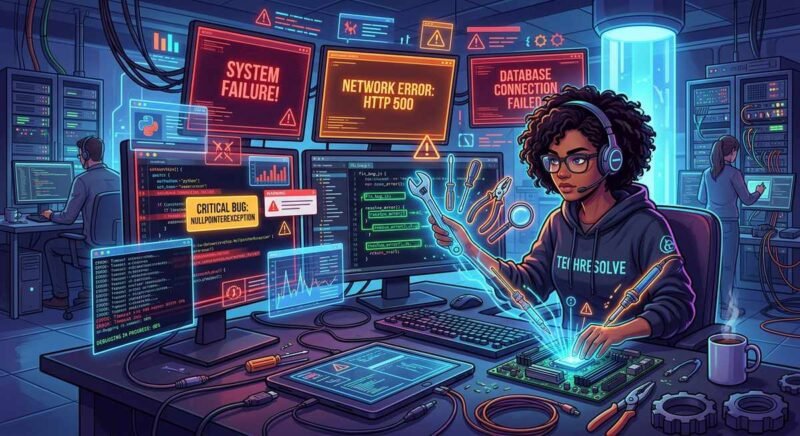
Most CrushOn AI issues fall into five categories: server overload during high traffic, image hosting failures via imgbb, repetitive AI responses from memory overflow, network connectivity errors, and app availability problems following the App Store removal. Each has a specific cause and fix — and understanding which category your issue belongs to saves time wasted on generic troubleshooting advice.
The platform’s user base has grown faster than its infrastructure in several periods throughout 2024 and 2025, leading to recurring stability issues that the r/Crushon community has extensively documented. The fixes below are drawn from confirmed solutions shared by users and moderators on Reddit, not guesswork.
CrushOn AI Images Not Loading (imgbb Error)
Image loading failures on CrushOn AI almost always trace back to imgbb, the third-party image hosting service the platform uses for character avatars and AI-generated images. When imgbb experiences rate limiting or outages, CrushOn AI displays broken image placeholders or “imgbb image not found” errors — even though the text-based chat continues working normally.
How to Fix Image Loading Issues
- Wait 15-30 minutes — imgbb rate limits are typically temporary. Most users report images returning without intervention after a short period.
- Clear browser cache — Cached broken image references persist even after imgbb recovers. Clear cache or open a private/incognito window.
- Disable browser extensions — Ad blockers and privacy extensions (uBlock Origin, Privacy Badger) sometimes block imgbb domains. Whitelist
i.imgbb.comif images fail consistently. - Check imgbb status — Visit imgbb.com directly. If the site is down, CrushOn AI images will remain broken until the hosting service recovers.
- Switch to the web version — If images fail on the mobile app, the web version sometimes loads from a different CDN path.
According to community reports on r/Crushon (2024), imgbb-related outages occur approximately once or twice per month and typically resolve within two to four hours. The platform has not announced plans to migrate to an alternative image hosting provider.
AI Keeps Repeating the Same Responses
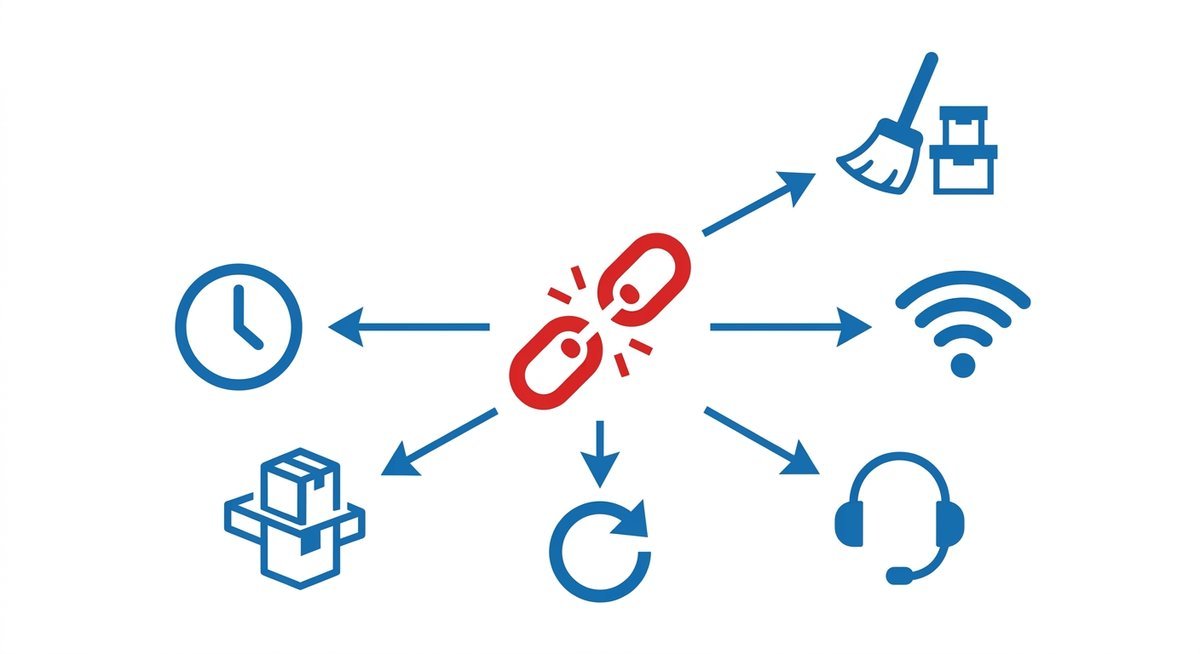
Repetitive AI responses are the most commonly reported quality issue on CrushOn AI, with dedicated Reddit threads appearing weekly on r/Crushon. The AI falls into loops where it regenerates near-identical messages regardless of user input — a problem that stems from memory overflow, low-entropy model states, and conversation history growing beyond the model’s effective context window.
Solutions for Repetitive AI Behavior
| Fix | Method | When to Use |
|---|---|---|
| Re-roll the response | Use the re-roll button to regenerate | First attempt — works for occasional repetition |
| Edit your last message | Rephrase your input with different wording | When re-roll produces the same repeated output |
| Send an OOC instruction | Type (( please vary your responses and avoid repeating )) | When the AI is stuck in a behavioral loop |
| Switch models | Change to a different AI model in settings | When the current model has entered a persistent loop |
| Start a new conversation | Begin fresh with the same character | Last resort when the conversation is irrecoverably looped |
Repetition becomes more frequent as conversations exceed 200-300 messages, particularly on the free tier with its 8K memory limit. The 16K memory on paid plans reduces but does not eliminate the issue. Community members recommend periodically starting fresh conversations with long-running characters rather than pushing a single thread past several hundred messages.
App Crashes, Data Exceptions & Network Errors
CrushOn AI crashes typically manifest as the app closing unexpectedly (mobile), the web interface returning a blank page, or specific error codes including “data exception” and “network error” messages. Each has different root causes.
Fixing Data Exception Errors
The “data exception” error appears when the platform cannot process a request due to malformed data in the conversation history or a server-side parsing failure. The most effective fix is clearing the conversation that triggers the error and starting a new one with the same character. If the error persists across all conversations, clearing browser cookies and local storage for crushon.ai typically resolves the underlying data corruption.
Resolving Network Errors
Network errors indicate a failed connection between the user’s device and CrushOn AI’s servers. Common causes include VPN interference, ISP-level blocking of the domain in certain regions, and server-side outages during high traffic periods. Steps to resolve:
- Disable VPN temporarily — Some VPN exit nodes are blacklisted by CrushOn AI’s CDN provider.
- Try a different network — Switch from WiFi to mobile data (or vice versa) to rule out ISP-level issues.
- Check the official channels — Visit @CrushonAI on X (Twitter) or r/Crushon for real-time outage reports.
- Wait during peak hours — Server capacity constraints during evening hours in North American and European time zones cause intermittent network errors that resolve as traffic subsides.
Mobile App Crashes
App crashes on Android are most commonly caused by outdated app versions, insufficient device memory, or corrupted local cache. Updating to the latest version from Google Play, clearing the app cache (Settings > Apps > CrushOn AI > Clear Cache), and ensuring at least 500MB of free storage typically resolves crash loops. Users running older Android versions (below Android 10) report higher crash rates, as the platform’s minimum supported version has increased with recent updates.
High Traffic and Server Downtime
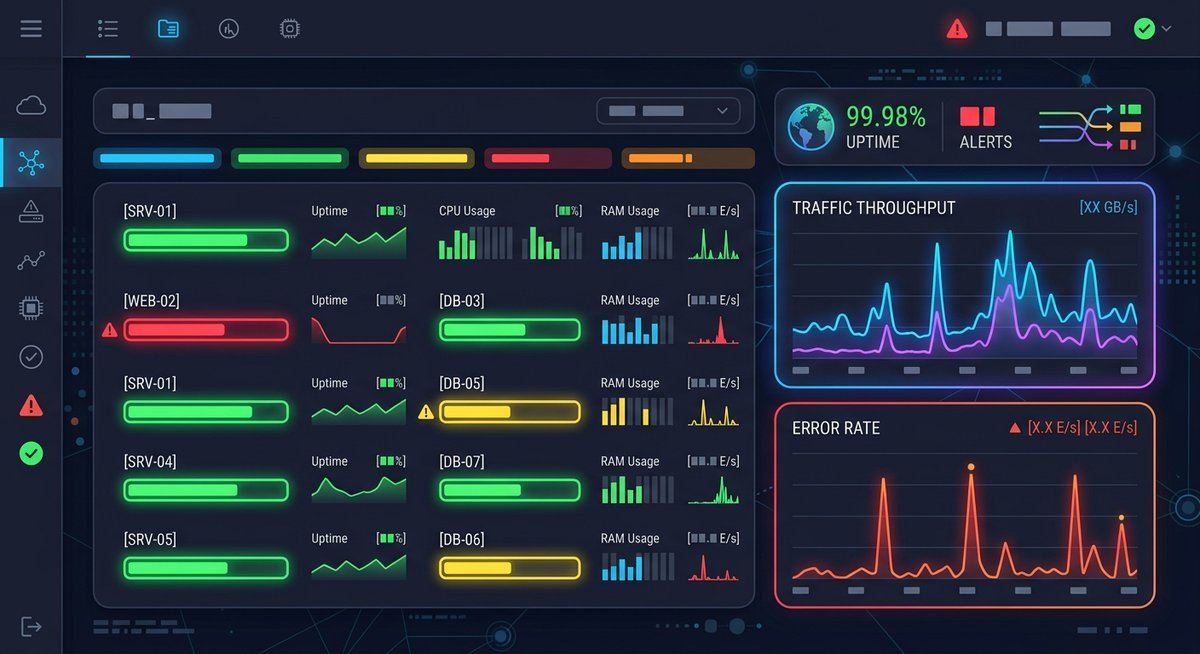
CrushOn AI experiences regular server strain during peak usage periods, with community-reported outages occurring multiple times per month. The platform does not publish an official status page, so users rely on third-party monitoring services and community channels to determine whether issues are platform-wide or local.
According to Downdetector community data (2024-2025), CrushOn AI’s most frequent outage windows align with evening hours (6 PM – 11 PM) in US Eastern and Central European time zones. Outages during these periods typically last one to four hours. Extended outages exceeding 24 hours have occurred during infrastructure migration events, though these are less frequent.
The practical approach during confirmed outages: check @CrushonAI on X for updates, avoid refreshing repeatedly (which adds to server load), and return after an hour. No client-side troubleshooting fixes a genuine server outage.
Why CrushOn AI Was Removed from the App Store
Apple removed CrushOn AI from the iOS App Store under its content guidelines related to NSFW and adult-oriented applications. This removal was not specific to CrushOn AI — Apple has applied similar enforcement to several AI companion platforms that permit explicit content, including Character.AI NSFW spinoffs and other adult chatbot applications.
The Google Play Store version remains available as of early 2025, though its listing sometimes reflects review cycles that temporarily affect visibility. For users who lose access to the Play Store version, APK files are available through third-party repositories. Installing APKs from sources outside the official store bypasses Google’s security scanning, so users should verify download sources carefully.
iOS users retain full access to CrushOn AI through the mobile Safari browser at crushon.ai. Adding the site to the home screen creates a web-app experience that functionally replicates the native app without requiring App Store distribution.
Frequently Asked Questions
How can I tell if CrushOn AI is down?
Check @CrushonAI on X (Twitter) and the r/Crushon subreddit for real-time reports. Third-party services like Downdetector also aggregate user outage reports, though CrushOn AI is not always listed on major status monitoring platforms.
Why does CrushOn AI keep crashing on my phone?
Mobile crashes most commonly result from outdated app versions, low device storage, or corrupted cache. Update the app, clear its cache, and ensure at least 500MB of free storage. Android versions below 10 experience higher crash rates.
What should I do when CrushOn AI is offline?
CrushOn AI requires an active internet connection and has no offline mode. If the platform is unreachable, check your network connection first, then verify whether the outage is platform-wide by checking community channels before troubleshooting locally.
Why was CrushOn AI taken off the App Store?
Apple removed CrushOn AI under its content guidelines prohibiting NSFW applications. The platform remains accessible via web browser on iOS devices and through the Google Play Store on Android.
When to Contact Support vs. Wait It Out
Most CrushOn AI issues resolve within hours without intervention — server outages recover, imgbb rate limits expire, and network errors clear as traffic subsides. Contact CrushOn AI support directly only for account-specific problems like billing errors, permanent bans, or data deletion requests. For technical issues affecting all users, community monitoring through Reddit and X provides faster information than individual support tickets.