


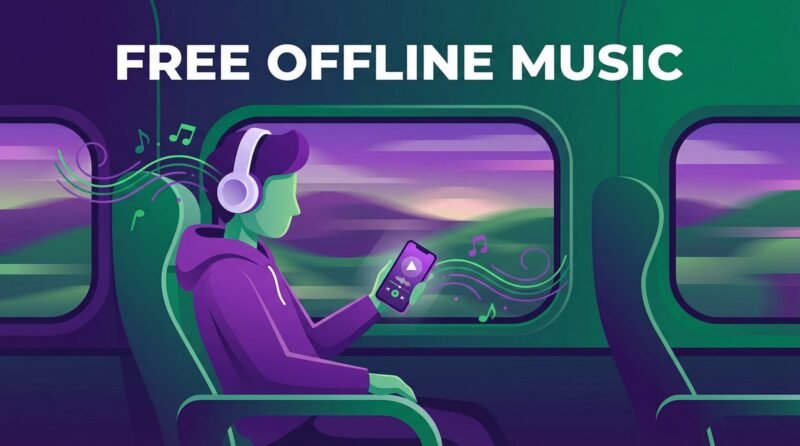
Ever hit the road for a trip, opened Spotify, and stared in disbelief as your carefully curated playlist refused to play without an internet connection? You’re not alone. It’s a common frustration rooted in a simple fact: Spotify’s free tier is designed for online streaming, and the ability to download music for offline listening is a key feature reserved for its paying Premium subscribers.
This isn’t a bug or an oversight; it’s a business model. Music licensing agreements are complex and expensive, and offering offline playback costs services like Spotify real money. They recoup this cost through Premium subscriptions. But what if you’re not ready to pay? What if you just want a reliable way to listen to your favorite tracks without burning through your mobile data or being tethered to Wi-Fi?
This guide provides an honest, no-nonsense breakdown of the best apps that actually let you listen to music offline for free. We’ll cut through the marketing noise and separate the truly free solutions from the “freemium” traps, so you can find the perfect app for your needs.
The Big Misunderstanding: Spotify’s Free Tier vs. Offline Reality
Let’s be clear: Spotify’s free service is a fantastic way to discover new music and enjoy millions of songs, but it is fundamentally an online-only experience. The free tier allows you to stream music with advertisements and some limitations, such as shuffle-only play on mobile for many playlists.
However, the moment you lose your internet connection, the music stops. The download button you see in the app is exclusively a gateway to a Premium feature. Tapping it will invariably lead you to a subscription page. This is the core distinction that many users miss, leading to the frustrating search for an alternative that delivers on the promise of free offline playback.
Tier 1: Truly Free Offline Music Apps (No Subscription Needed)
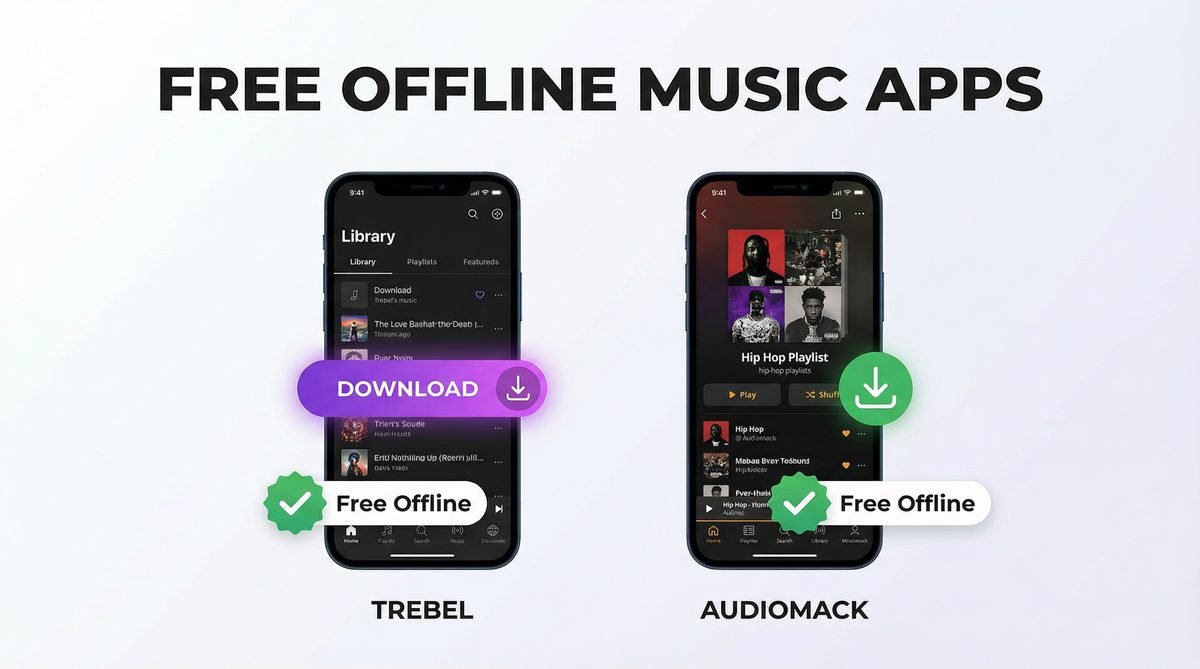
This is the category you’ve been searching for. These applications allow you to legally download music for offline listening without requiring a paid subscription. They are typically supported by advertisements, which you watch or interact with to “earn” your offline tracks.
Trebel
Trebel has built its entire platform around a simple premise: provide free, legal music downloads in exchange for your attention. The app features a large catalog of licensed music from major labels. You can search for songs and albums, and instead of a “buy” button, you’ll find a “download” option. To get the track, you may need to watch a short video ad. Once downloaded, the song is available in your library for offline playback anytime.
Available on: Android & iOS. Best for: Mainstream music lovers on a budget who don’t mind watching short ads in exchange for free downloads.
Audiomack
Audiomack operates on a similar ad-supported model but has carved out a niche by focusing on emerging artists, hip-hop, electronic music, and mixtapes. It has become a go-to platform for discovering new and trending music that might not be on mainstream services. Its free tier generously includes offline downloads, making it a favorite among budget-conscious music lovers.
Available on: Android & iOS. Best for: Discovering new hip-hop, Afrobeat, and independent music with a robust free offline download feature.
Tier 2: The Open-Source Heroes for a Spotify-Like Experience
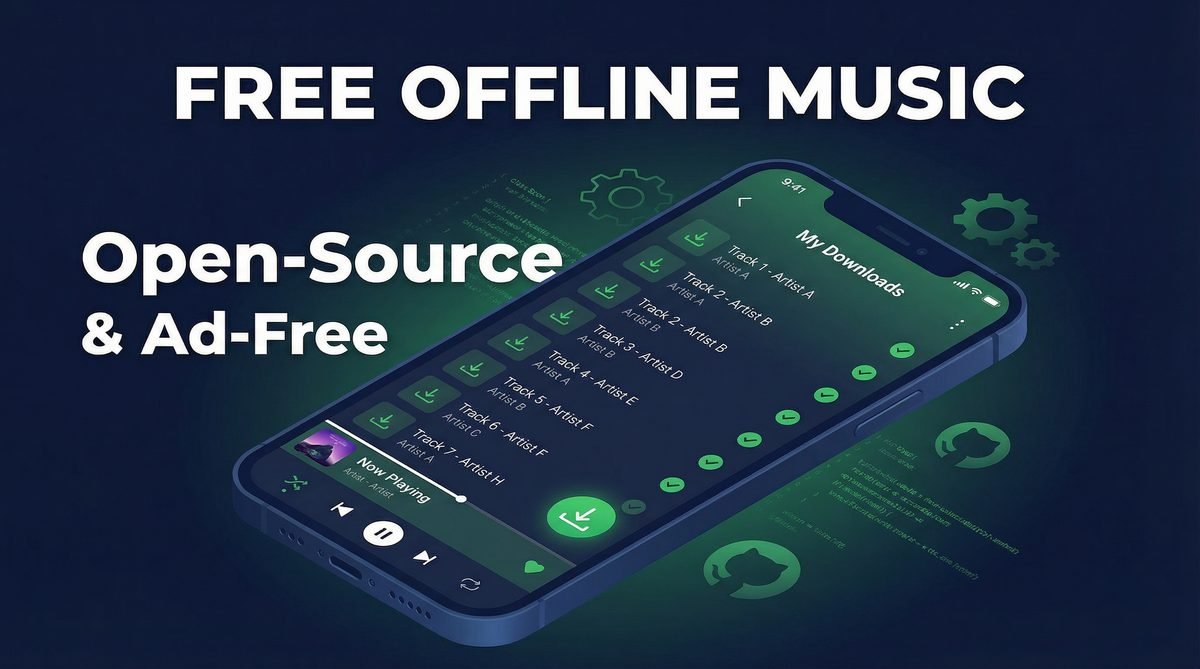
For those who are more tech-savvy and value privacy, the world of Free and Open-Source Software (FOSS) offers powerful alternatives. These apps are not always available on the official app stores but provide a remarkable, ad-free experience by using the APIs of services like YouTube and Spotify in clever ways.
SimpMusic
SimpMusic is a clean, lightweight, and ad-free music player for Android that uses YouTube Music as its backend. It allows you to stream virtually any song available on YouTube Music without a subscription. Its standout feature is its caching ability; as you listen to songs, the app saves them temporarily, allowing you to play them again later without an internet connection.
Available on: Android. Best for: Users who want a completely ad-free, YouTube-powered music experience with offline caching support.
Spotube
Spotube is a brilliant open-source client available for desktop and mobile. It combines the power of Spotify and YouTube. You can log in with your free Spotify account to import your playlists, and Spotube will then stream the audio from YouTube. Most importantly, it includes a feature to download tracks directly to your device for true offline listening, all without needing a Spotify Premium subscription.
Available on: Android, iOS, Windows, macOS, Linux. Best for: Power users who want to access their Spotify playlists and download music for offline use, completely for free.
Tier 3: The Old-School Method — Your Own MP3s and a Great Player
Sometimes the most reliable solution is the one you control completely. If you have a collection of MP3 or other audio files, you can bypass streaming services entirely. This method is completely free, works offline by default, and ensures your music library is never subject to the whims of licensing agreements or subscription changes.
VLC Media Player
While known primarily for video, VLC is arguably one of the best and most versatile audio players available. It’s free, open-source, and available on every platform imaginable — Android, iOS, Windows, macOS, and Linux. It plays any audio file format you can throw at it, has a powerful equalizer, supports playlists, and is completely ad-free. Simply transfer your music files to your device, and VLC will organize and play them flawlessly.
Available on: All platforms. Best for: Users who own their music files and want ultimate control, zero ads, and rock-solid reliability.
Comparison Table: The Best Free Offline Music Apps at a Glance
| App | Category | Truly Free Offline? | Platform(s) | Library Source | Best For |
|---|---|---|---|---|---|
| Trebel | Ad-Supported | Yes | Android, iOS | Licensed Music | Mainstream music on a budget |
| Audiomack | Ad-Supported | Yes | Android, iOS | Independent & Major Artists | Hip-hop and emerging artists |
| SimpMusic | Open-Source | Yes (Caching) | Android | YouTube Music | Ad-free, YouTube-powered listening |
| Spotube | Open-Source | Yes | Android, iOS, Desktop | Spotify & YouTube | Accessing Spotify playlists for free |
| VLC | Local Player | Yes | All Platforms | Your Own Files | Ultimate control and reliability |
Frequently Asked Questions
Is it legal to use these free offline music apps?
Yes, the apps listed here are legal. Trebel and Audiomack have licensing deals with music labels, funding playback through ads. Open-source apps like Spotube and SimpMusic operate in a legal gray area but are generally considered legal as they are clients that stream from publicly available sources.
How do apps like Trebel and Audiomack offer free music legally?
They operate on a freemium model where the “cost” is your time and attention. Revenue is generated from the video and banner ads you see in the app, which is then used to pay for the music licenses.
Can I transfer my Spotify playlists to these apps?
Directly, no. However, with an app like Spotube, you can log in with your free Spotify account to access and play your existing playlists without needing a Premium subscription.
What’s the catch with open-source music apps like SimpMusic and Spotube?
The “catch” is convenience and support. They aren’t always on official app stores, so you may need to install them manually. Since they are community-driven projects, they may have occasional bugs and lack official customer support.
Do these apps use a lot of data to download music?
Downloading music will use data, just like streaming it. The key is to use Wi-Fi for all your downloads. Once the songs are on your device, playing them is completely data-free.
Will these apps drain my phone’s battery?
Playing music offline generally uses less battery than streaming it, as your phone’s Wi-Fi or cellular radio is not constantly active. Any of these apps will have a similar impact on your battery as other media players.
Are there any free offline music apps without any ads at all?
Yes. Open-source options like SimpMusic and Spotube, as well as local players like VLC, are completely ad-free. The trade-off is that they require a bit more setup than a standard app store download.
What’s the difference between caching and downloading?
Downloading saves a specific song file to your device permanently (or until you delete it). Caching saves data temporarily. While SimpMusic’s caching allows for offline playback of recently played songs, it is not as permanent as a direct download — the cached files may be cleared when the app needs storage space.
Conclusion
The search for a free, offline alternative to Spotify doesn’t have to be frustrating. The solution lies in understanding the different types of apps available and choosing the one that best fits your listening habits.
For a simple, legal way to download mainstream hits, Trebel and Audiomack are your best bets. If you’re willing to step slightly outside the mainstream for a more powerful, ad-free experience, open-source options like SimpMusic and Spotube offer a taste of premium features for free. And for those who value ultimate control and reliability, the classic combination of your own music library and a player like VLC remains undefeated.
Now, you can finally hit the road with your favorite soundtrack — no internet connection required.